Choosing the right hacker laptop for pentesting becomes challenging when every manufacturer claims to offer the perfect mix of performance, portability, and security.
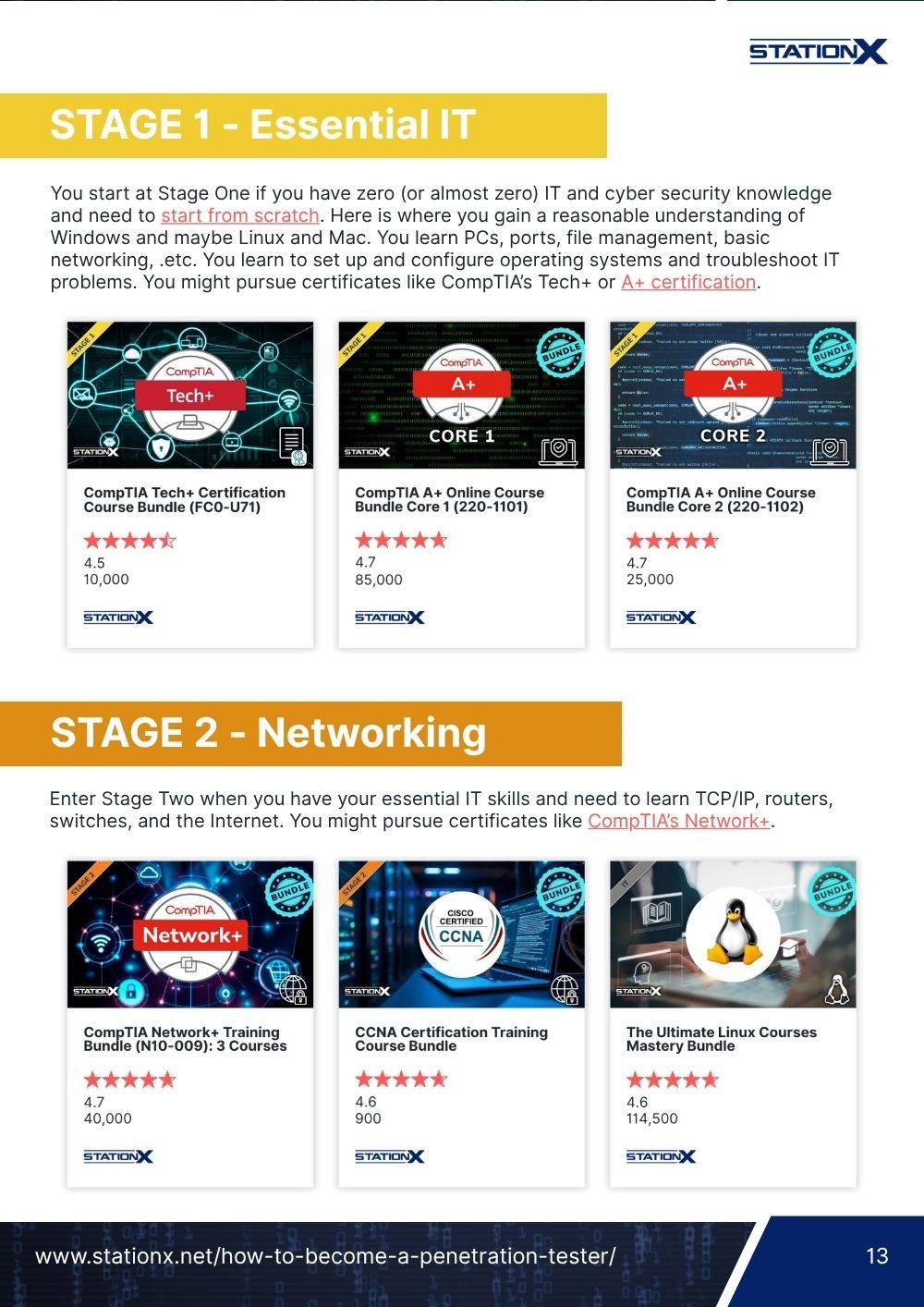
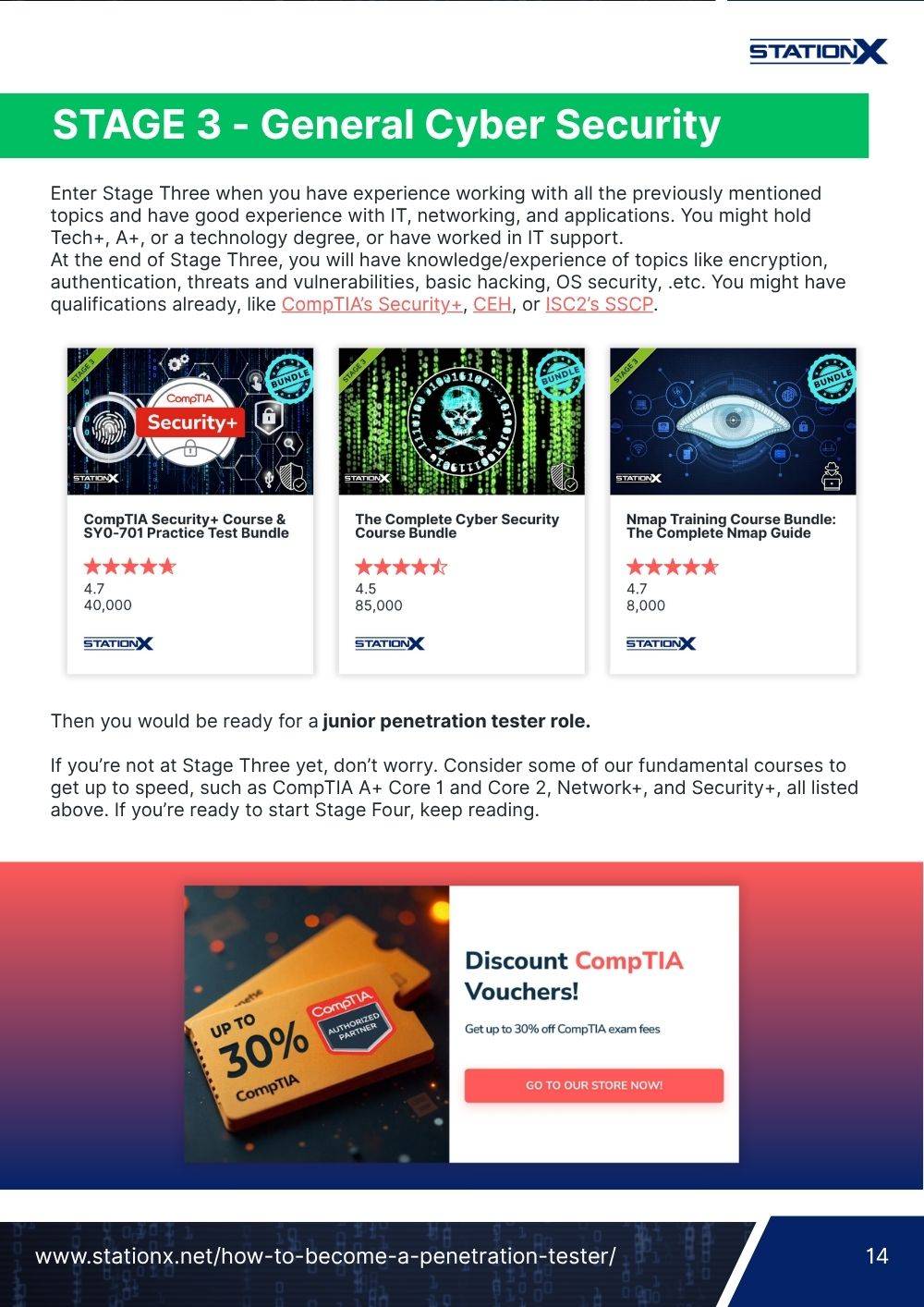
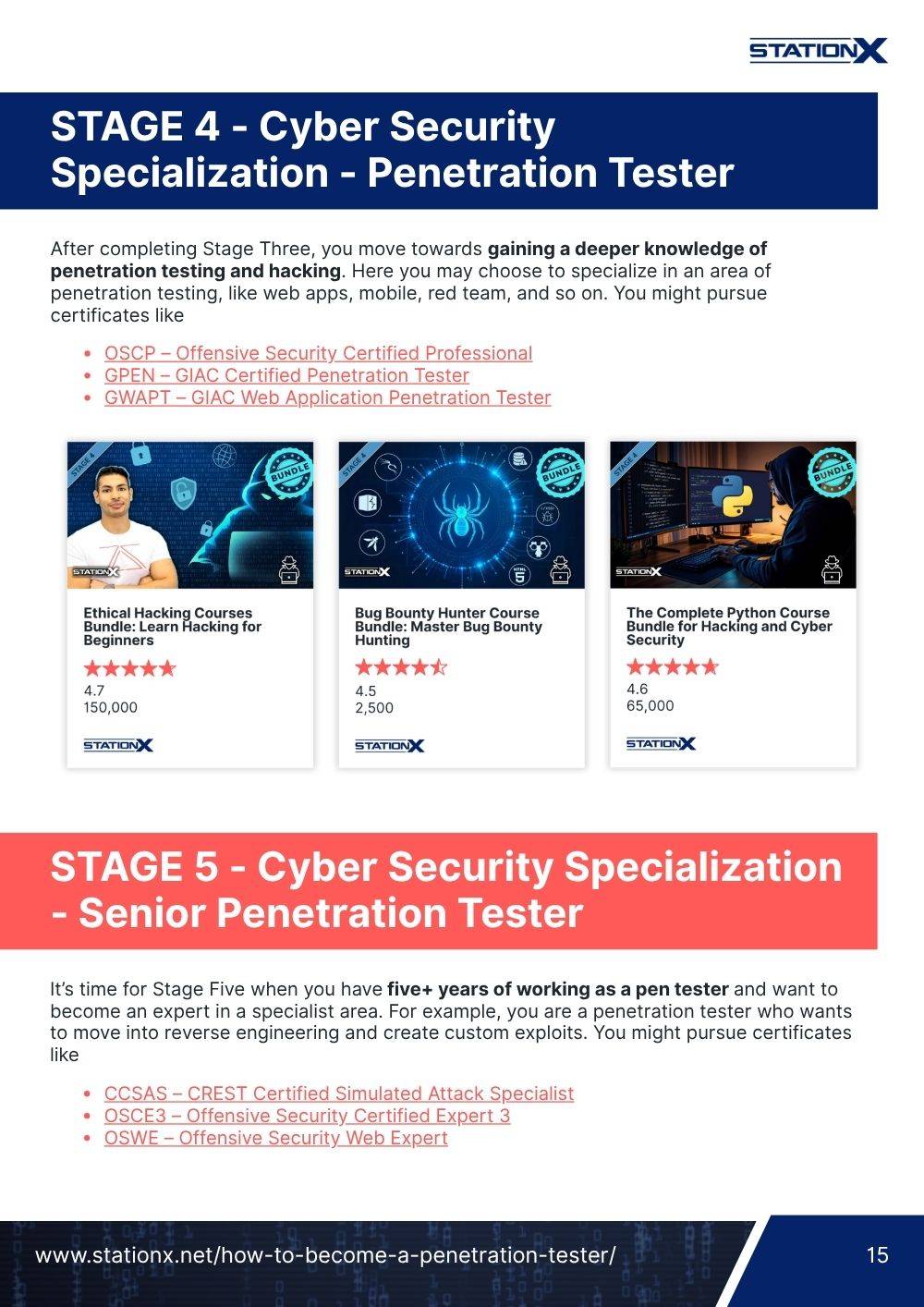
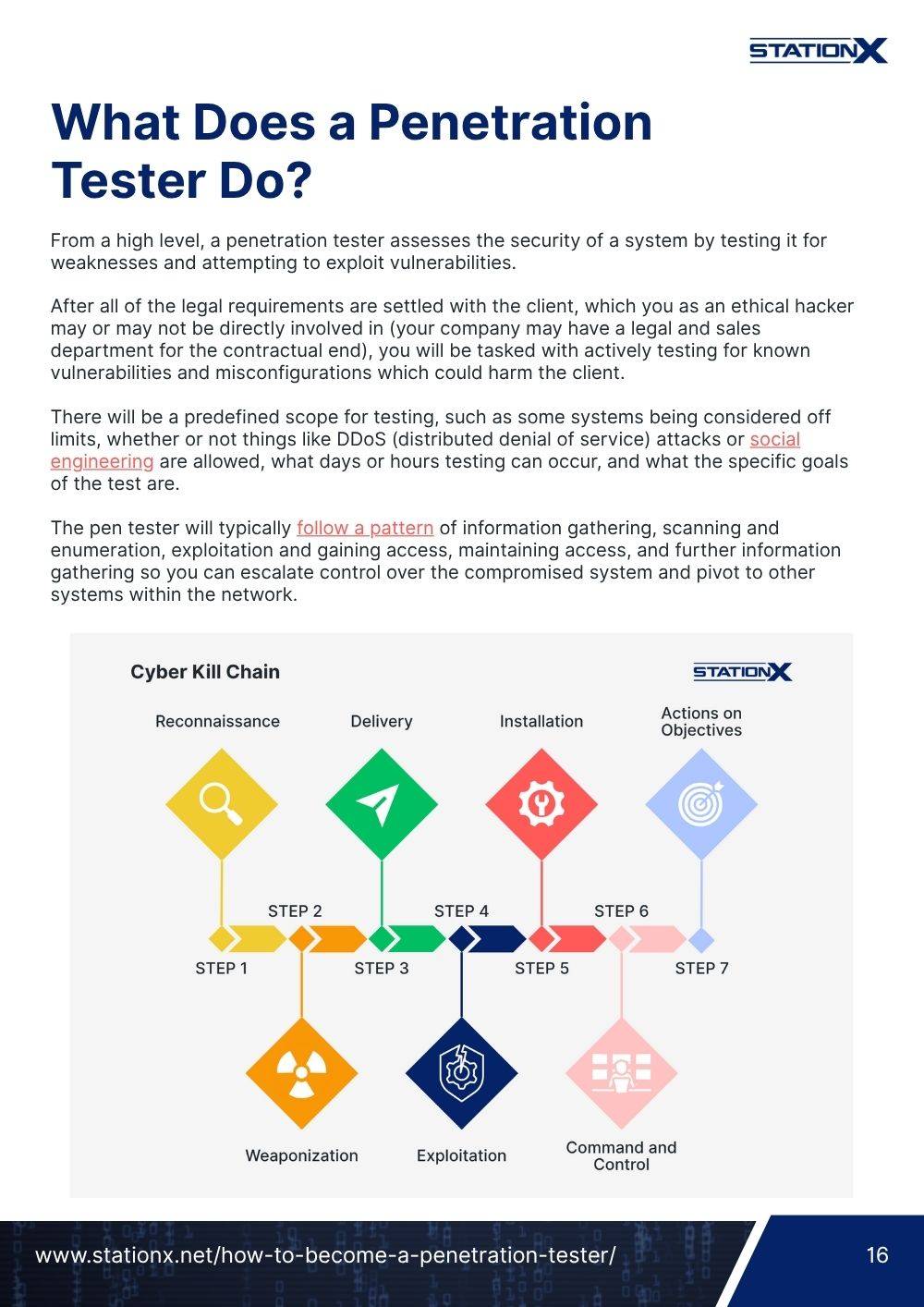
Our team sifted through hundreds of machines across multiple operating systems, including Windows, macOS, and Linux distributions like Kali Linux, to identify the models that truly stand out for penetration testers, security researchers, and developers seeking a more pleasant developer experience.
While the ultimate dream machine might be something exotic like IBM’s quantum hardware or open-hardware powerhouses such as the MNT Reform, these are far beyond most budgets and practical workflows.
The ideal machine depends on your workflow - whether you need virtualization, rugged portability, or a long-lasting power supply for field work, even in environments with surveillance technologies. That’s why we’ve broken down our top picks into categories that address individual user preferences.
Let’s have a look at the best hacking laptops.
- Our Quick List of Best Laptops for Hacking
- Technical and Practical Considerations
- Our Top Picks for Best Hacking Laptops
- Best Durability: Lenovo ThinkPad X1 Carbon Gen 12
- Best Portability: Asus Zenbook 14 OLED
- Best Battery Life: Lenovo ThinkPad T14s Gen 6
- Best Pre-Configured for Linux: Dell XPS 13 9340
- Best Mac: Apple MacBook Air 15-inch (2025)
- Best Mac Powerhouse: Apple MacBook Pro 16-inch (M4 Max)
- Best PC Powerhouse: ASUS ROG Zephyrus G14
- Conclusion
Our Quick List of Best Laptops for Hacking
| Category | Choices |
|---|---|
| Best Durability | Lenovo ThinkPad X1 Carbon Gen 12 |
| Best Portability | Asus Zenbook 14 OLED |
| Best Battery Life | Lenovo ThinkPad T14s Gen 6 |
| Best Pre-Configured for Linux | Dell XPS 13 9340 |
| Best MAC | Apple MacBook Air 15-inch (2025) |
| Best MAC Powerhouse | Apple MacBook Pro 16-inch (M4 Max) |
| Best PC Powerhouse | ASUS ROG Zephyrus G14 |

Technical and Practical Considerations
Before buying a laptop, consider key components like the operating system, CPU, RAM, storage, and GPU. You might also explore completely open hardware or a reform laptop, such as the MNT Pocket Reform, for modularity and transparency.
Be aware of built-in surveillance technologies and other security features to ensure your device meets your workflow needs, whether you prioritize performance, portability, or full control over your system.
CPU (Central Processing Unit)
The CPU, often referred to as the brain of the computer, is at the center of your computing experience. It’s the CPU you rely on when you want to solve sophisticated algorithms, run multiple programs at the same time, or perform an Nmap scan. The major players in CPU manufacturing are AMD and Intel.
Some CPUs are better for running multiple virtual machines than others. As a hacker, it’s vital that you can run various VMs simultaneously without compromising your speed.
RAM (Random Access Memory)
RAM plays a pivotal role in determining how many things you can do at once. If you're juggling multiple virtual machines, like having a Kali Linux setup and a Windows 10 VM for testing exploits against Windows Defender, you're going to need ample RAM or risk processes grinding to a halt. This doesn't mean you need to go crazy, but you should consider what you intend to run and how much RAM it will require.
If you can only spend on either CPU or RAM, remember that, in virtualization, you will run out of RAM before you run out of CPU cores.
Storage Capacity
Despite the importance of a solid hard drive, it is at an all-time low due to the use of external hard drives and the cloud, but they still have their uses. External hard drives can be bulky and forgotten, and sometimes you want more control than cloud storage can provide. Internal laptop storage is reliable and accessible, so you’ll want to have at least 256 GB of SSD storage on your ethical hacking laptop.
GPU (Graphics Processing Unit)
The importance of a GPU depends on the type of hacking you’ll be carrying out. If you plan to crack password hashes on your laptop, you might want to consider a better-than-average GPU. However, if you plan to crack hashes on a dedicated machine or cloud instance, a fast GPU may be of little significance when considering laptop components.
Display
If you’re going to be staring at your screen for nine hours a day, you’ll want to take your viewing experience into account. Consider factors such as size, eye strain, and resolution. Even if you plan to buy an accompanying monitor, your computer display will most likely still be your primary screen.
Be mindful of the trade-offs that come with using a large screen. Large screens offer a better viewing experience, but also make your computer less portable.
Battery Life
Battery life is a critical consideration, especially for hackers, pentesters, or security professionals who work remotely, travel frequently, or need to run long sessions of tools and virtual machines without being tethered to a power outlet. A laptop with a larger battery or more efficient components can keep you running for 8–12 hours of moderate usage, while high-performance machines with powerful CPUs and GPUs may last only a few hours under heavy workloads.
Consider laptops with energy-efficient processors, integrated graphics for lighter tasks, and power‑saving features to maximize uptime. Real-world battery performance can vary depending on your use case, so if you anticipate long field sessions, prioritize laptops with proven endurance or the ability to hot-swap or externally charge for extended operations.
Our Top Picks for Best Hacking Laptops
There’s no one-size-fits-all hacking laptop. Every penetration tester has different needs. Some prioritize long battery life, powerful specs, or full system control, while others value Linux support or free customization options.
To make your choice easier, we’ve grouped the best laptops into categories, helping you pick a device suited to your workflow, whether analyzing traffic, reviewing video, or running complex pentesting tools.
CompTIA PenTest+ Courses Bundle
Ace your PenTest+ exam with our CompTIA PenTest+ Courses Bundle, containing a top-rated PenTest+ prep course, a beginners penetration testing course, 3 full length practice exams, and over 500 study flashcards!
CompTIA PenTest+ Voucher
Launch your pentesting career with a discounted CompTIA PenTest+ Voucher. Save up to 30% and earn your certification with an authorized CompTIA partner.
Best Durability: Lenovo ThinkPad X1 Carbon Gen 12

| CPU | Intel Core Ultra 7 |
| RAM | Up to 64 GB LPDDR5x |
| GPU | Integrated Intel Graphics / Intel Arc (no dedicated GPU) |
| Storage | Up to 2 TB PCIe Gen4 NVMe SSD |
| Battery Life | Up to 15 Hours |
| Screen Size | 14 inches |
| Weight | 2.4 lbs |
| Price | $1,327 |
| Where to Buy | Amazon |
Whenever you hear that a laptop has been built for enterprise professionals and constant travel, there’s a good chance it’s an excellent choice for cyber security and penetration-testing work. The Lenovo ThinkPad X1 Carbon Gen 12 is exceptionally stable, thermally efficient, whisper-quiet, and sports the classic all-black ThinkPad aesthetic that has long been associated with serious technical work.
ThinkPads are renowned for their MIL-STD-810H certification, meaning they’ve passed tests for drops, vibrations, dust, humidity, and extreme temperatures, ideal for field pentesting, red-team engagements, or travel-heavy cyber security roles. It handles resource-intensive hacking tasks with ease thanks to excellent Linux compatibility and Lenovo’s enterprise-tier security suite ThinkShield, which includes a dTPM chip, BIOS safeguards, a fingerprint reader, and a physical webcam shutter.
The ThinkPad X1 Carbon Gen 12 shines in portability and durability, offering one of the lightest and toughest chassis on the market. And if you need more power or screen real estate, Lenovo offers higher-spec ThinkPad variants. Still, the X1 Carbon remains the perfect blend of ruggedness, battery life, and professional-grade security.
Best Portability: Asus Zenbook 14 OLED

| CPU | Intel® Core™ Ultra 9 |
| RAM | Up to 64 GB LPDDR5x |
| GPU | Intel Arc 140T Graphics |
| Storage | Up to 1 TB NVMe SSD |
| Battery Life | Up to 18 Hours |
| Screen Size | 14 inches |
| Weight | 2.8 lbs |
| Price | $1,149 |
| Where to Buy | Amazon |
The Zenbook 14 OLED trades raw GPU power and gaming-class thermals for ultralight portability, superior display quality, and excellent battery life. It’s well-suited for mobility, development work, daily pentesting/security tasks that don’t require GPU acceleration, scripting, config management, code audits, remote tasks, documentation, travel, etc.
What’s more, it plays nicely with Linux and ships with reliable drivers; the vivid OLED is perfect for scanning logs and dashboards. It handles heavy multitasking (even AI-assisted security analysis), and its Thunderbolt 4 and HDMI ports let you hook up external GPUs, analyzers, or other tools in seconds.
Best Battery Life: Lenovo ThinkPad T14s Gen 6

| CPU | Snapdragon® X Elite X1E-78-100 |
| RAM | 32GB |
| GPU | Integrated Graphics |
| Storage | 1 TB |
| Battery Life | Up to 21 Hours |
| Screen Size | 14 inches |
| Weight | 2.7 lbs |
| Price | $1,721 |
| Where to Buy | Lenovo |
In the context of security work, pentesting, red-teaming, on-site audits, or remote work, T14s Gen 6 offers exceptional battery endurance, lightweight portability, and solid connectivity, making it ideal when you need a machine that stays online all day, travels with you, or operates in environments where power is scarce. It maintains ThinkPad's hacking-friendly traits, including excellent Linux support (Fedora pre-install options) and a world-class keyboard.
Its integration of modern CPUs, efficient silicon, or modern Intel Ultra processors means it can handle heavy multitasking, scripting, virtualization, and standard security-dev workloads without draining battery or overheating. If you're prioritizing mobility, endurance, and reliability over GPU-intensive tasks, this laptop represents one of the best-balanced options around.





Best Pre-Configured for Linux: Dell XPS 13 9340

| CPU | Intel Core Ultra 7 |
| RAM | 32GB LPDDR5X |
| GPU | Intel Arc Xe-LPG 128EU |
| Storage | 1TB M.2 PCIe Gen 4 NVMe SSD |
| Battery Life | Up to 21 Hours |
| Screen Size | 13.4 inches |
| Weight | OLED Model: 2.58 lbs, FHD+ / QHD+ IPS Model: 2.62 lbs |
| Price | $849 |
| Where to Buy | Amazon |
The Dell XPS 13 9340 is widely considered the best pre-configured Linux laptop because it is the only mainstream, premium ultrabook where Linux support is an engineering priority, not an afterthought. While boutique vendors like System76 and Framework offer excellent Linux machines, Dell remains the only “Tier 1” global manufacturer to offer this level of integration. This means full support, warranty coverage, and predictable software updates, which are critical for enterprise deployments, developers, or cyber security professionals who rely on Linux stability.
For Linux enthusiasts, developers, or security professionals who want a turnkey solution without spending hours configuring drivers, the Dell XPS 13 9340 represents the rare combination of premium build, out-of-the-box Linux compatibility, and global support, something boutique vendors can match only with customization and higher costs, and most mainstream laptops cannot match at all.
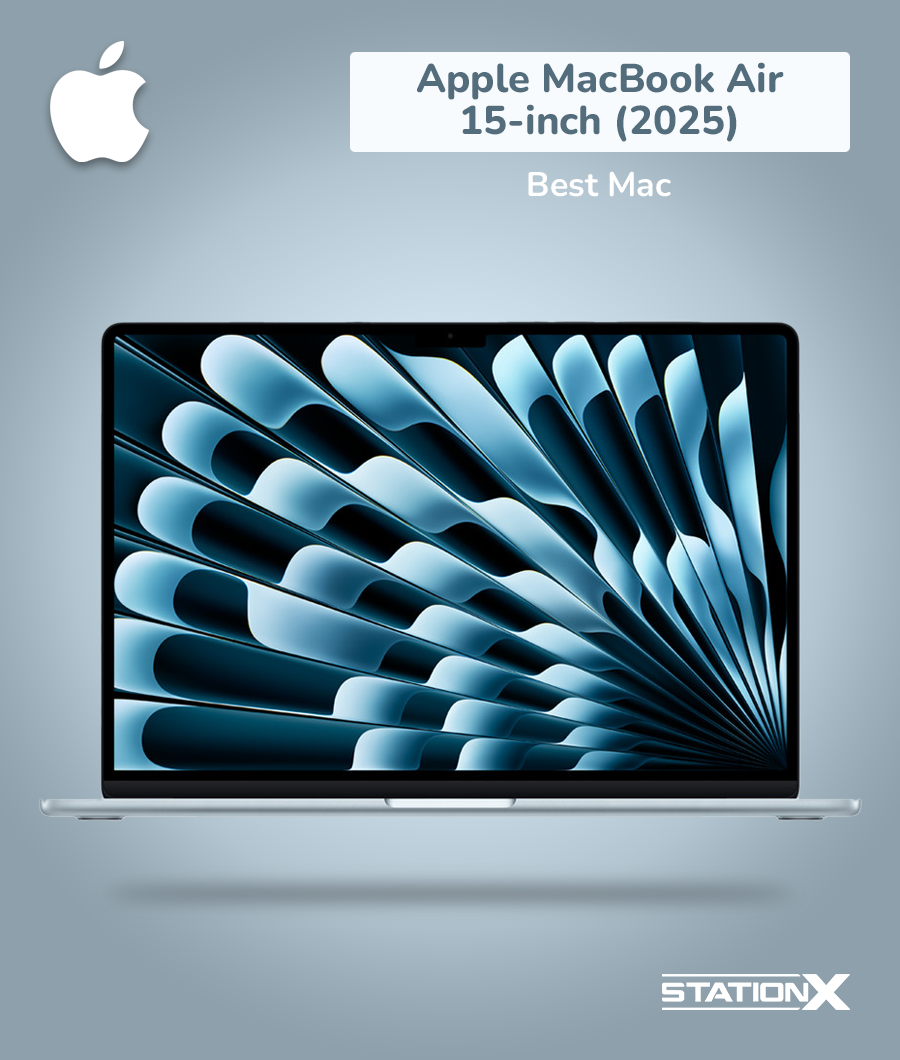
Best Mac: Apple MacBook Air 15-inch (2025)
| CPU | Apple M4 chip |
| RAM | Up to 32GB on newer M‑series models |
| GPU | Apple M4 10-core |
| Storage | Up to 2TB |
| Battery Life | Up to 18 Hours |
| Screen Size | 15.3 inches |
| Weight | 3.3 lbs |
| Price | $1,199 |
| Where to Buy | Apple |
If you prefer lightness, a large screen, long battery endurance, and don’t need strong GPU power, this MacBook Air stands out as one of the most balanced 15‑inch laptops on the market today. Its software ecosystem lets you seamlessly connect with essential tools for productivity or security work, while the reliable hardware ensures your money is well spent.
For those interested in modularity or reform options, this laptop still offers a glimpse into the future of portable, efficient systems, delivering a smooth workflow without sacrificing portability or usability.
The MacBook Air 15 works really well as a mobile workstation for developers, sysadmins, security professionals doing moderate work, or students - especially if you value portability, battery life, display quality, and a silent, reliable laptop. It’s ideal for remote work, travel, documentation-heavy tasks, coding, light VMs, writing, and desktop‑class work.
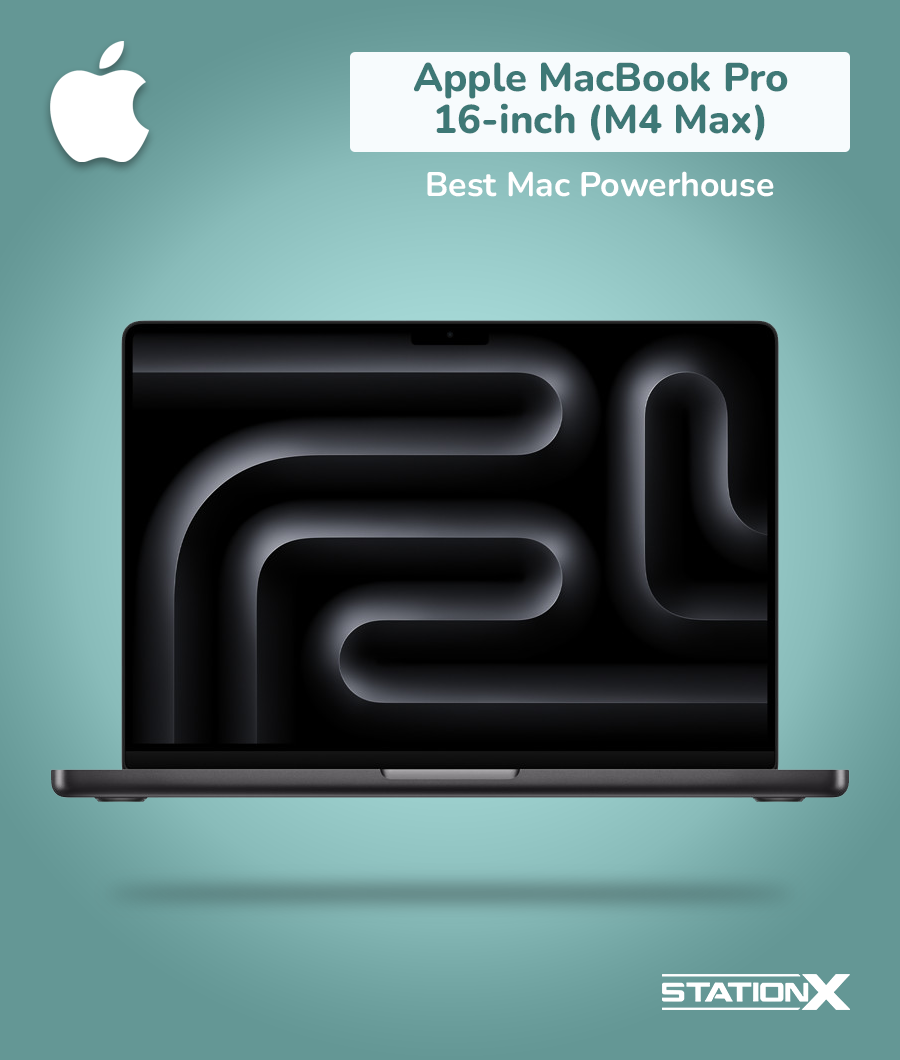
Best Mac Powerhouse: Apple MacBook Pro 16-inch (M4 Max)
| CPU | Apple M4 Max (configurable 14‑core or 16‑core CPU) |
| RAM | Base 36 GB (for 14‑core); configurable up to 128 GB (with 16‑core CPU) |
| GPU | Integrated Apple GPU |
| Storage | Up to 8TB |
| Battery Life | Up to 21 Hours |
| Screen Size | 16.2 inches |
| Weight | 4.6 lbs |
| Price | $2,499 |
| Where to Buy | Apple |
What sets the MacBook Pro 16‑inch apart as the best Mac powerhouse is its seamless integration of hardware and software. macOS is engineered to fully leverage M‑series silicon, ensuring optimized performance, low power draw, and silent operation even under heavy loads. Coupled with a vast array of high-speed ports, large SSD storage options, and robust thermal management, it can tackle demanding workloads without compromise.
Whether you’re compiling massive projects, running multiple virtual machines, or handling complex media workflows, the M4 Max MacBook Pro delivers a professional-grade experience unmatched by any other Mac or premium laptop, making it the ultimate tool for creators, engineers, and developers who need top-tier performance in a portable form factor.
Best PC Powerhouse: ASUS ROG Zephyrus G14

| CPU | AMD Ryzen 9 8945HS |
| RAM | 32 GB |
| GPU | NVIDIA GeForce RTX 4070 |
| Storage | Up to 2TB |
| Battery Life | Up to 21 Hours |
| Screen Size | 14 inches |
| Weight | 3.3 lbs |
| Price | $2,599 |
| Where to Buy | Amazon |
What sets the Zephyrus G14 apart for professional pentesters, red teamers, and CTF participants is its ability to balance raw power with portability. The GPU enables tasks such as machine–learning–based exploit testing or password cracking, while the CPU and RAM provide smooth multitasking across VMs and containers.
Though not fully Linux-certified, it runs Linux reliably with minor tweaks, making it suitable for offensive security workflows. Versatile ports like USB‑C, HDMI, and microSD further enhance its utility for connecting external tools, monitors, and storage devices, making it one of the most capable and flexible laptops for security professionals on the move.
Conclusion
At this point, the final step is choosing which features matter most to you. Do you need a light and portable hacker laptop, something more rugged for unpredictable environments, or a machine with raw power for virtualization and analysis?
Once you understand your priorities, review the options above and choose the device that best aligns with your workflow. Even the most advanced hardware, whether conventional laptops or specialized builds, is only as effective as the cyber security professional operating it.
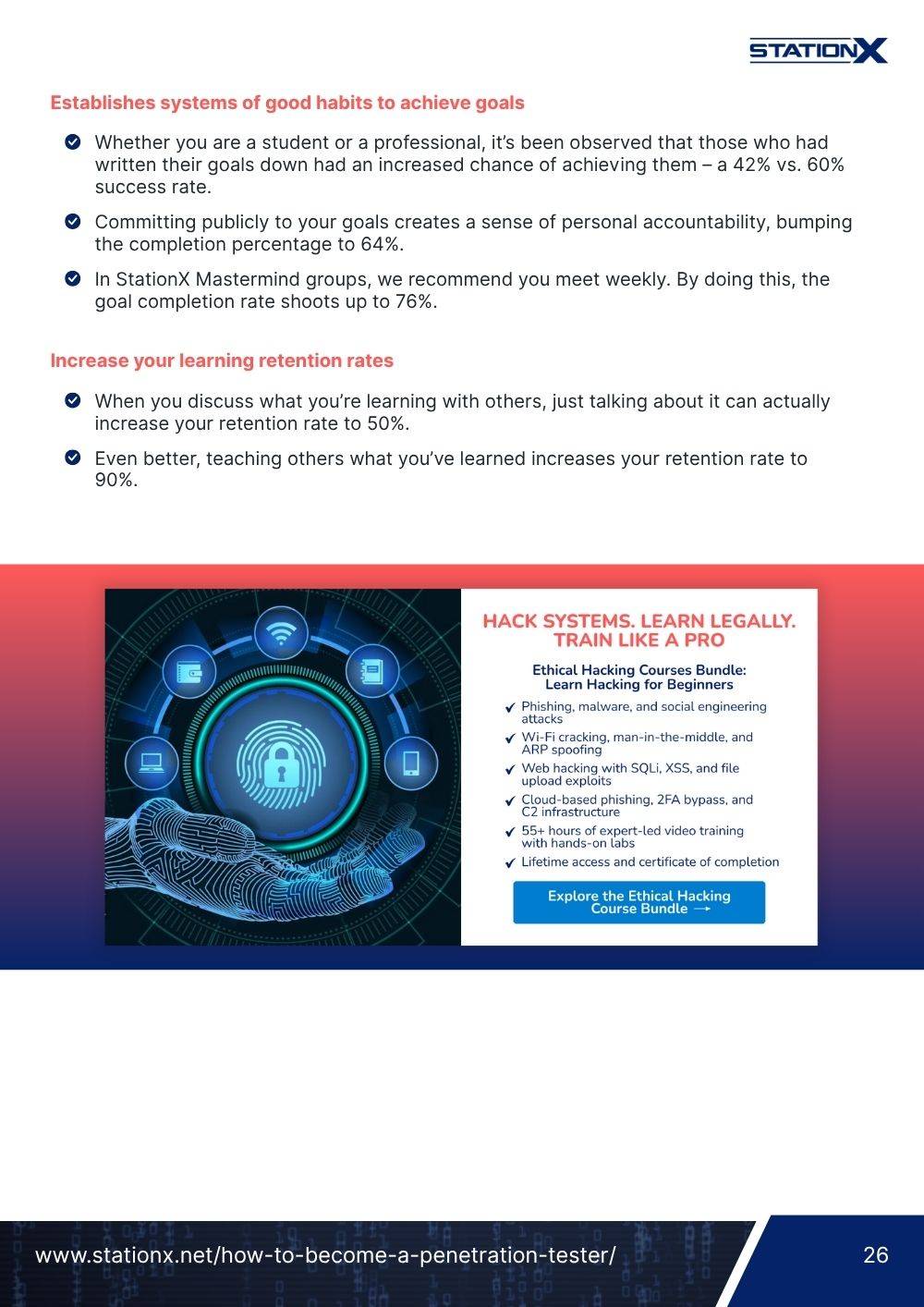
Our Ethical Hacking Courses Bundle lets you master the full ethical hacking workflow with a comprehensive 5‑course program. You’ll learn to ethically hack websites, networks, Wi-Fi, cloud platforms, and even humans, starting from scratch and progressing to real-world offensive security techniques. It’s a transparent, example‑driven path designed to help you develop into a capable and confident security controller.
To level up your hacking game, learn from mentors, and make connections within the cyber security field, we recommend enrolling in StationX’s Master's Program. Doing so will give you access to over 30,000 IT courses and labs, unlimited career mentorships, personalized study roadmaps, and more.
The Ethical Hacking Courses Bundle: Learn Hacking for Beginners includes:
- Learn Hacking From Scratch: Ethical Hacking Course
- Pentesting and Website Hacking Course: Learn From Scratch
- How to Hack WiFi and Wired Networks: Beginner's Course
- Learn Social Engineering Testing From Scratch
- Cloud Hacking: How to Do Penetration Testing Using the Cloud

Guarantee Your Cyber Security Career with the StationX Master’s Program!
Get real work experience and a job guarantee in the StationX Master’s Program. Dive into tailored training, mentorship, and community support that accelerates your career.
- Job Guarantee & Real Work Experience: Launch your cybersecurity career with guaranteed placement and hands-on experience within our Master’s Program.
- 30,000+ Courses and Labs: Hands-on, comprehensive training covering all the skills you need to excel in any role in the field.
- Pass Certification Exams: Resources and exam simulations that help you succeed with confidence.
- Mentorship and Career Coaching: Personalized advice, resume help, and interview coaching to boost your career.
- Community Access: Engage with a thriving community of peers and professionals for ongoing support.
- Advanced Training for Real-World Skills: Courses and simulations designed for real job scenarios.
- Exclusive Events and Networking: Join events and exclusive networking opportunities to expand your connections.
TAKE THE NEXT STEP IN YOUR CAREER TODAY!